
Published on: June 18, 2019
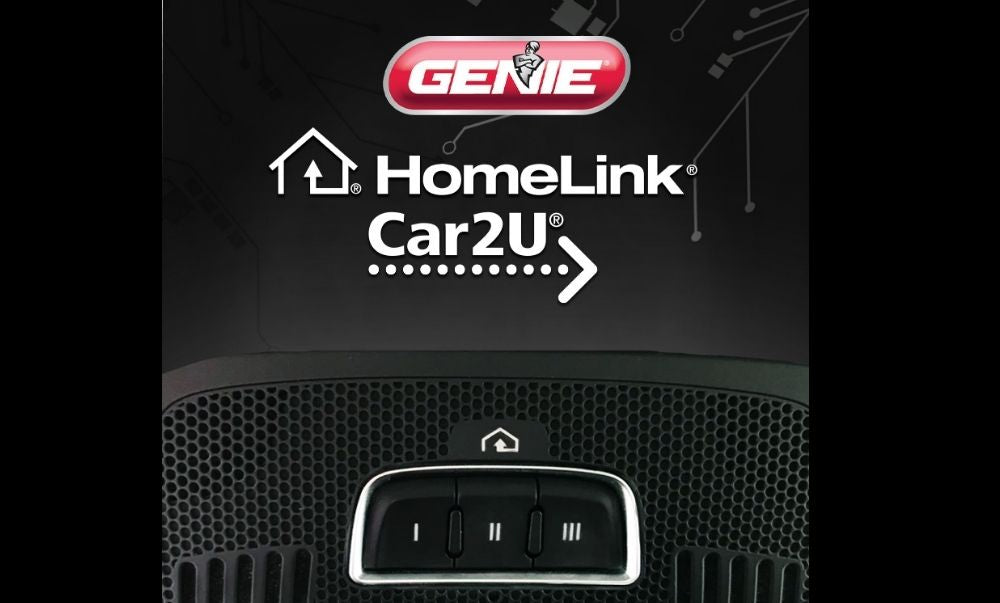
HomeLink® System Programming for Genie® garage door openers
Clearing the HomeLink system happens by pressing and holding the first and third buttons down for about 20 seconds or until the indicator on the HomeLink blinks fast. Then release both HomeLink buttons 1 and 3. You only need to clear the HomeLink from your car if you do not have an unused button or this is a pre-owned car that may have a previous owners garage door opener installed.
Programming the car's HomeLink using your Genie garage door opener remote
- Choose the button on your HomeLink that you want to use to open your garage door and have a Genie garage door opener remote that currently operates your garage door nearby.
- Make sure that there are no obstructions, people, or animals in the path of the garage door since it will move during programming.

- While holding the button on your remote also hold down the Homelink button that you wish to have operate your Genie garage door opener.
- The HomeLink light will start flashing slowly, then it will begin to blink fast, when it blinks fast, release both the HomeLink button and the button on your Genie garage door opener remote.
- Find the learn or program (PGRM) button on your Genie garage door opener

- Hold down the learn or program button until the small LED turns on.


- Release the PRGM or Learn button and the larger LED light will begin to blink
- Press the HomeLink button, that you would like to operate your Genie garage door opener 3 times (hold each press for one second). On the fourth press your door should operate.
- This means that your programming of HomeLink to your Genie garage door opener was a success.

If these instructions did not result in a successful pairing of HomeLink to your Genie garage door opener please see links to more detailed instructions per model and HomeLink's page.
Detailed instructions for programming Homelink to a Genie Garage Door Opener (PDF View)
Visit the HomeLink Website for more details
These instructions should work for the following vehicle manufacturers to program Homelink:
- Acura
- Audi
- BMW
- Buick
- Cadillac
- Chevy
- Chrysler
- Dodge
- Fiat
- Ford
- GMC
- Honda
- Hyundai
- Infiniti
- Jeep
- Kia
- Land Rover
- Lexus
- Lincoln
- Mazda
- Mercedes
- Mini
- Mitsubishi
- Nissan
- Porsche
- Ram Truck
- Subaru
- Suzuki
- Tesla
- Toyota
- Volkswagen
- Volvo
40 comments
@ Dan McFadden – Thank you for reaching out. Since you’ve tried the programming steps with both vehicles and are still unable to pair HomeLink with your Genie 2128, we would recommend giving our customer service team a call at 1-800-354-3643. They can walk through the programming process with you and help determine why the vehicles are not pairing with the opener.
@Joe Rudyk – For your 2024 F-150, you will need a programmed Genie remote to successfully pair the opener with your vehicle’s HomeLink system. The remote is used during the initial programming process to teach HomeLink the correct signal.
Once you have a compatible remote programmed to your Genie Model 3042, you can use that remote to complete the HomeLink programming steps.
2023 Subaru Outback AND 2022 Acura RDX, neither will pair Homelink to Genie model 2128. I’ve tried all steps that I could find.
Please advise.
I have a 2024 f150 and my Genie model number is 3042. This is the only truck I’ve ever had trouble pairing to this opener. I do not have the remote and I followed the instructions for over an hour. Please help me.
These instructions worked perfectly for GMC Terrain and Ford F150.