
Programming Instructions- GUK-BX
UNIVERSAL KEYPAD PROGRAMMING INSTRUCTIONS
UNIVERSAL KEYPAD INSTRUCTIONS FOR DIP SWITCH COMPATIBLE MODELS
UNIVERSAL KEYPAD COMPATIBILITY CHART
Keypad Overview

IMPORTANT FEATURES OF THIS KEYPAD
An audible beep will sound with every key pressed.
Keypad will operate up to 3 doors with one PIN number.
A temporary PIN can be set for convenient non user access.
Do not press the LEARN button for longer than the noted 2-3 seconds as it could cause the operational remotes to no longer work.
Below are the brands and specifications that this keypad is compatible with. Find the ID# in Chart A below that references your specific opener specification. You will need this number during programming. Refer to STEP 1 to find the type and/or LEARN/PROGRAM button.
DIP switch models are noted with an asterisk--- after STEP 2 in this instruction, please visit our website for instructions on models with these specifications: www.geniecompany.com/dipswitchesGUK

STEP 1 - FIND SPECIFICATIONS & LEARN/PROGRAM BUTTON
- Locate the brand and opener/receiver specificatkms for the device by consulting the label on the opener/receiver, the instruction manual, the current remote controls for the opener, or the original manufacturer or the opener/receiver.
- Find the LEARN/PROGRAM button on the device - shape, color or name of this button could vary by brand.For garage door openers, be sure to check under the light covers. For commercial openers, this button may be on the circuit board or the opener. In some cases, this button could also be on an external receiver that is mounted on or nearby the product. Consult the devices manual if needed.
STEP 2 - CLEARING THE KEYPAD
Perform this task first before setting the PIN or at anytime the keypad needs to be reset to its factory default:
- Remove activation tab from inside battery compartment.
- Press both the PROGRAM & UP/DOWN keys at the same time and hold for 5 seconds. (tone will sound) -then release (green LED will flash and go out).
- The keypad is now ready to be programmed. Start at STEP 3.
If the opener/receiver has dip switch technology, please move to the alternate instructions listed on our website at this time: www.geniecompany.com/dipswitchesGUK
STEP 3 - PROGRAMMING TO ONE OR MORE OPENERS
This keypad can be programmed to up to 3 individual garage door openers in any combination of manufacturer specifications. You will need your opener ID# from Chart A for these steps. To start over at any time, start at STEP 2 - CLEARING THE KEYPAD

STEP 4 - USING THE KEYPAD TO OPERATE OPENERS
 ADDITIONAL PROGRAMMING

MOUNTING KEYPAD/REPLACING BATTERIES

-
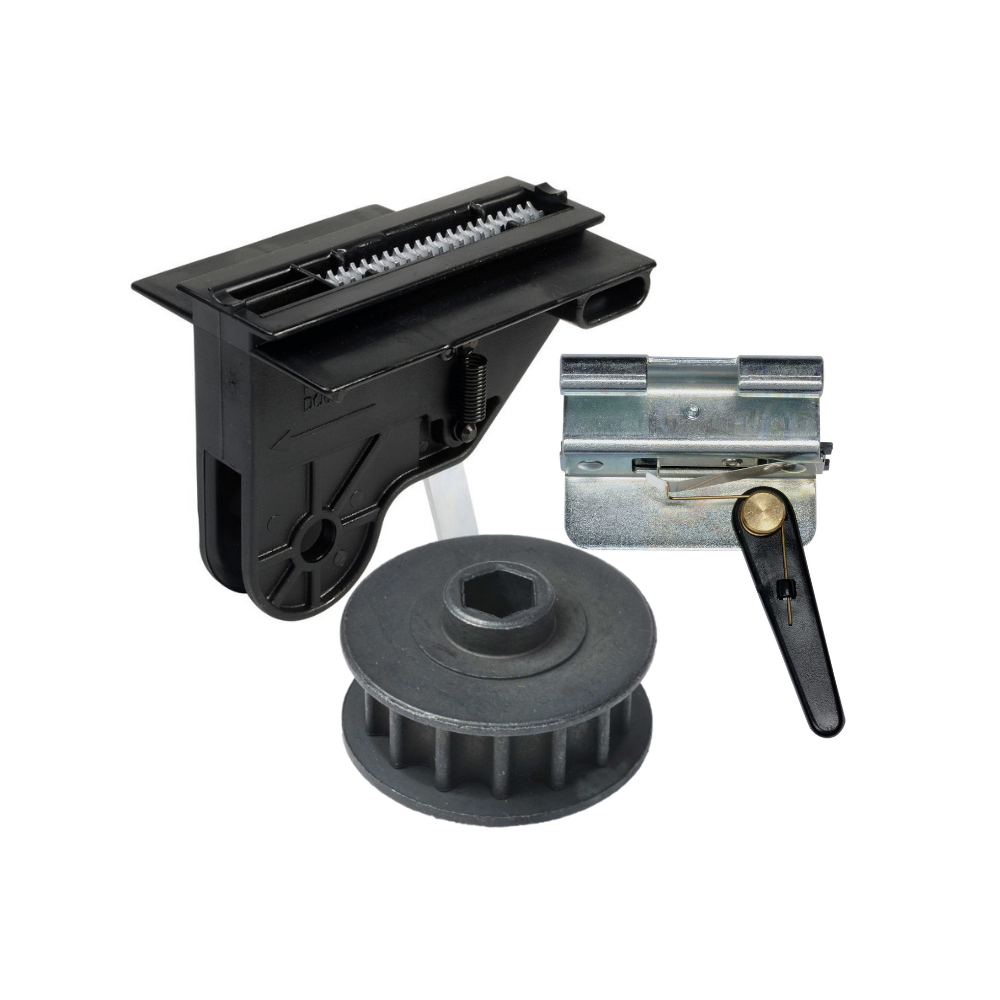
Genie Garage Door Opener Replacement Parts
Common Garage Door Problems & the Parts That Fix Them Door won’t...
-
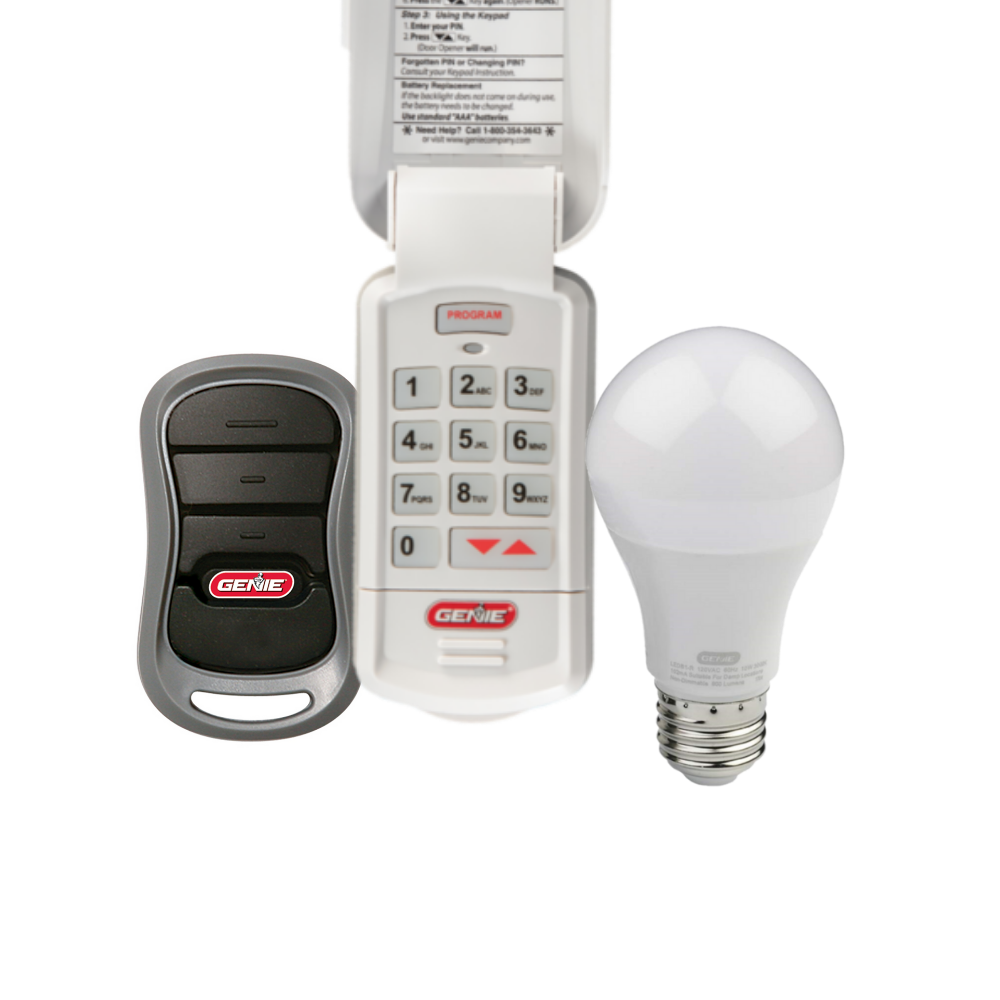
Accessories
[split] Find the right accessories for your garage door opener: The Genie...
-
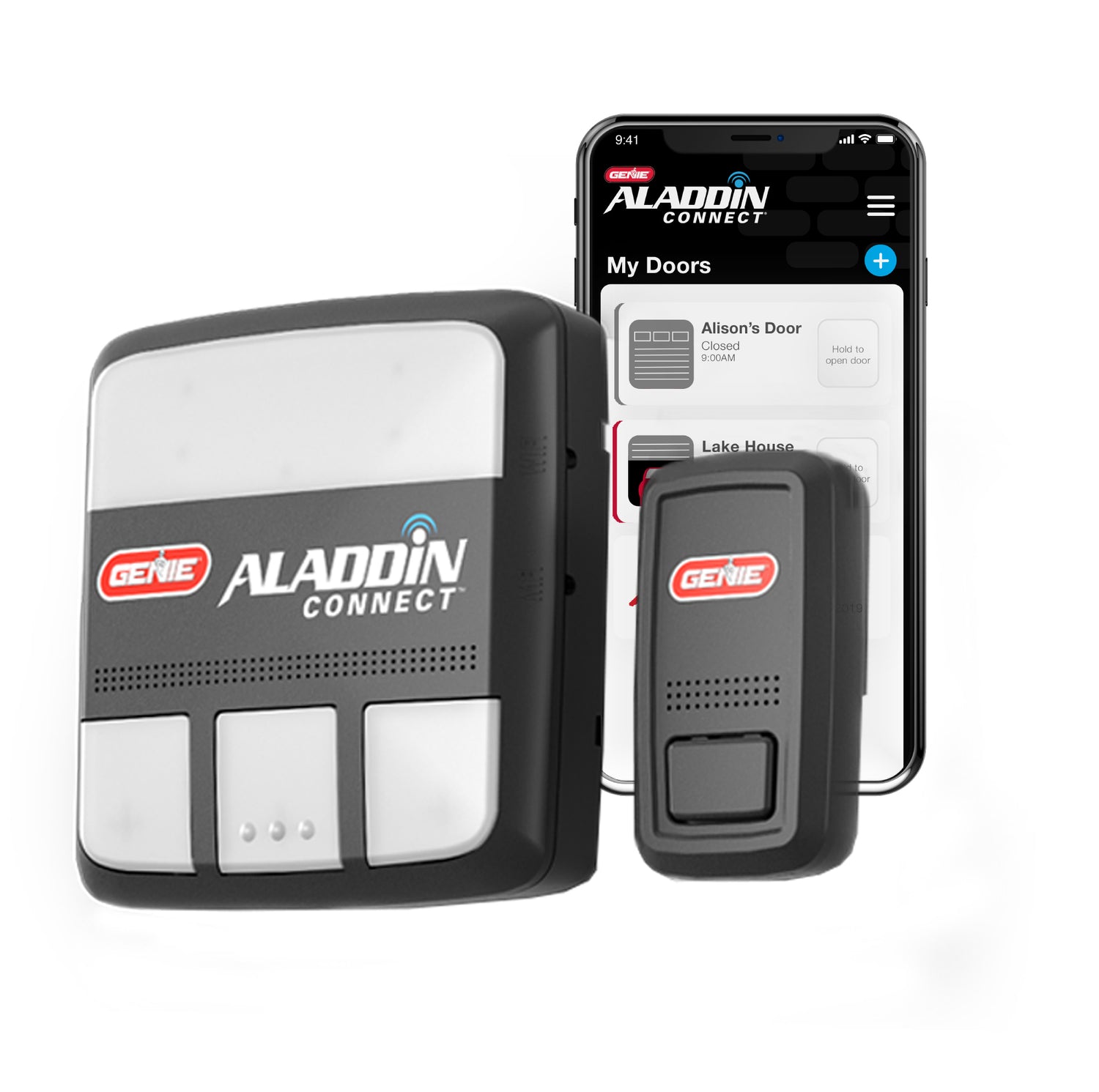
Smart Device Compatible
Smart Device Compatible Garage "Can I make my garage door opener smart?"...
