


The Genie Company
G1T-BX 1-Button Remote (2 Pack)
G1T-BX 1-Button Remote (2 Pack)
Couldn't load pickup availability
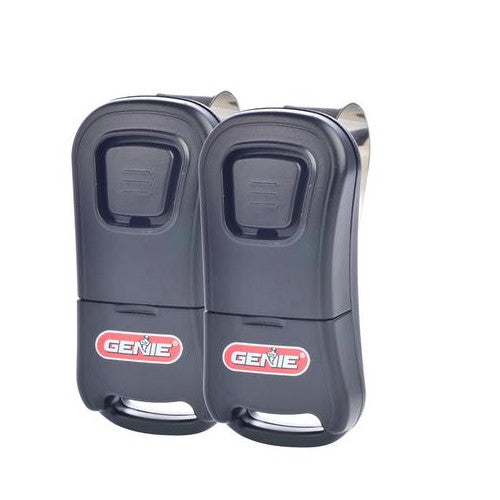
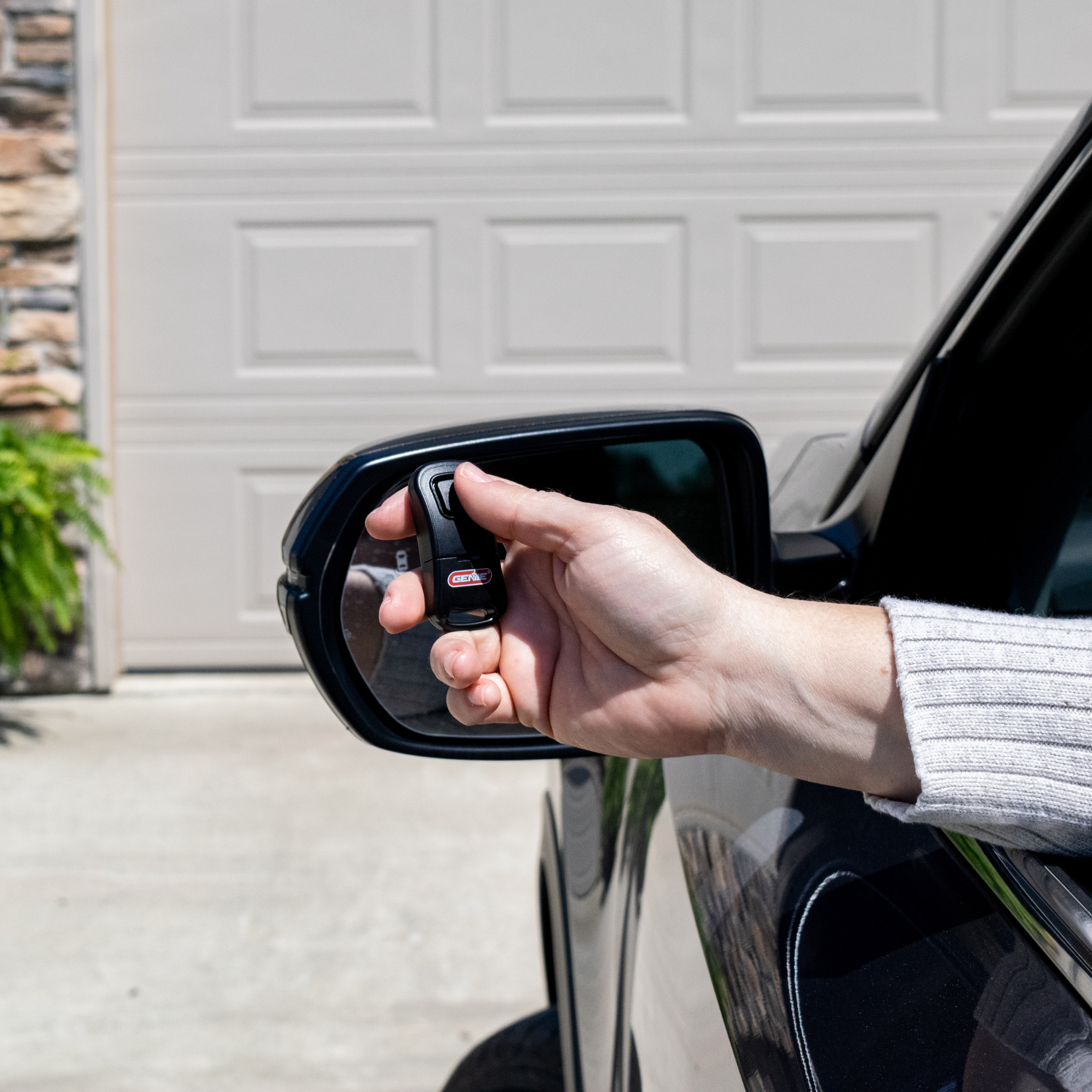
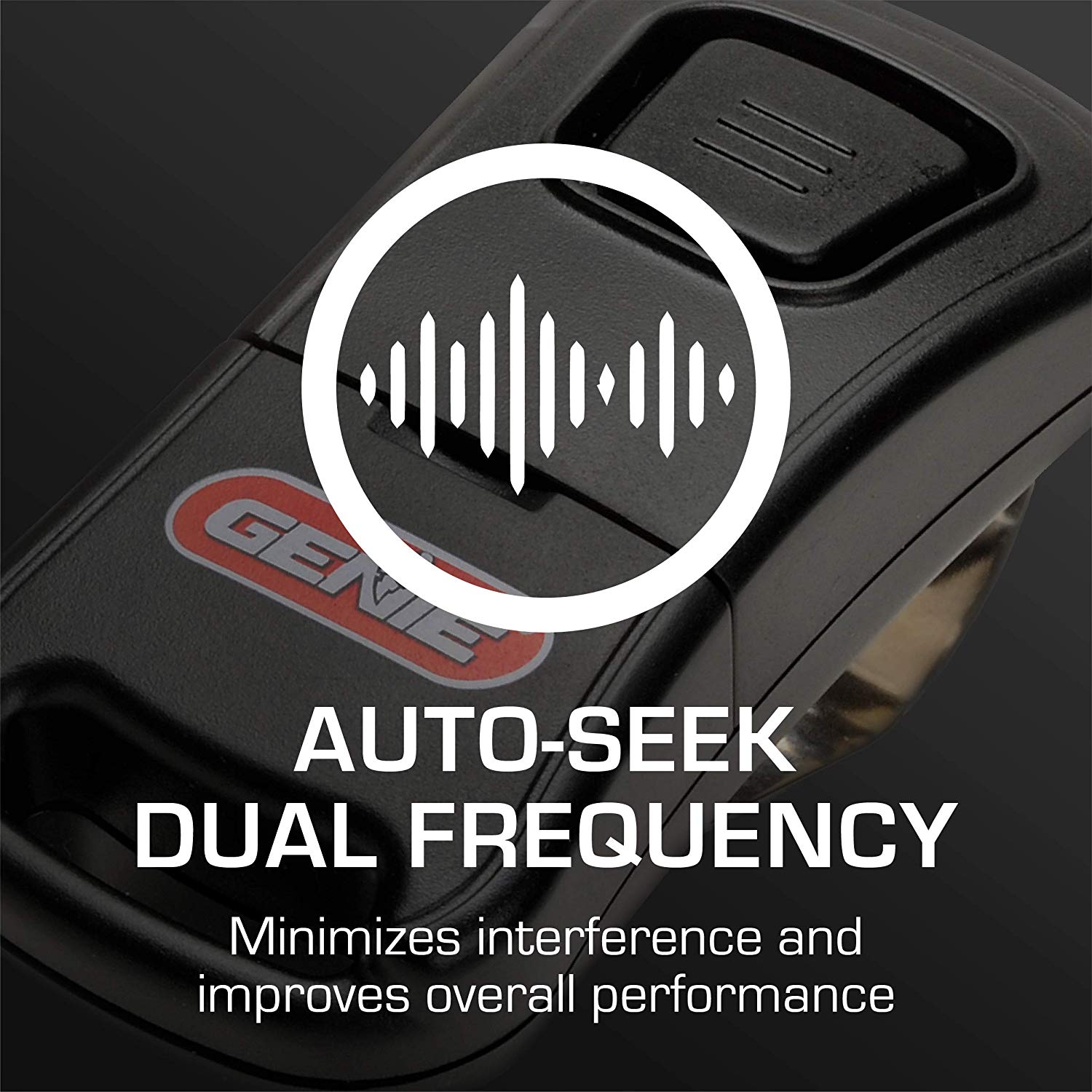
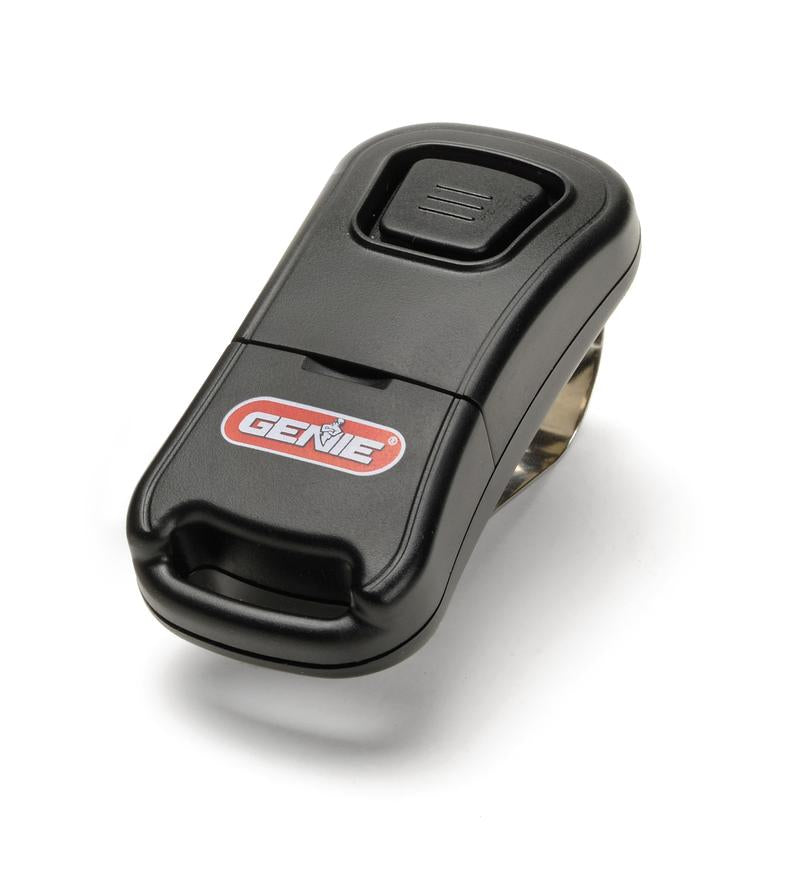
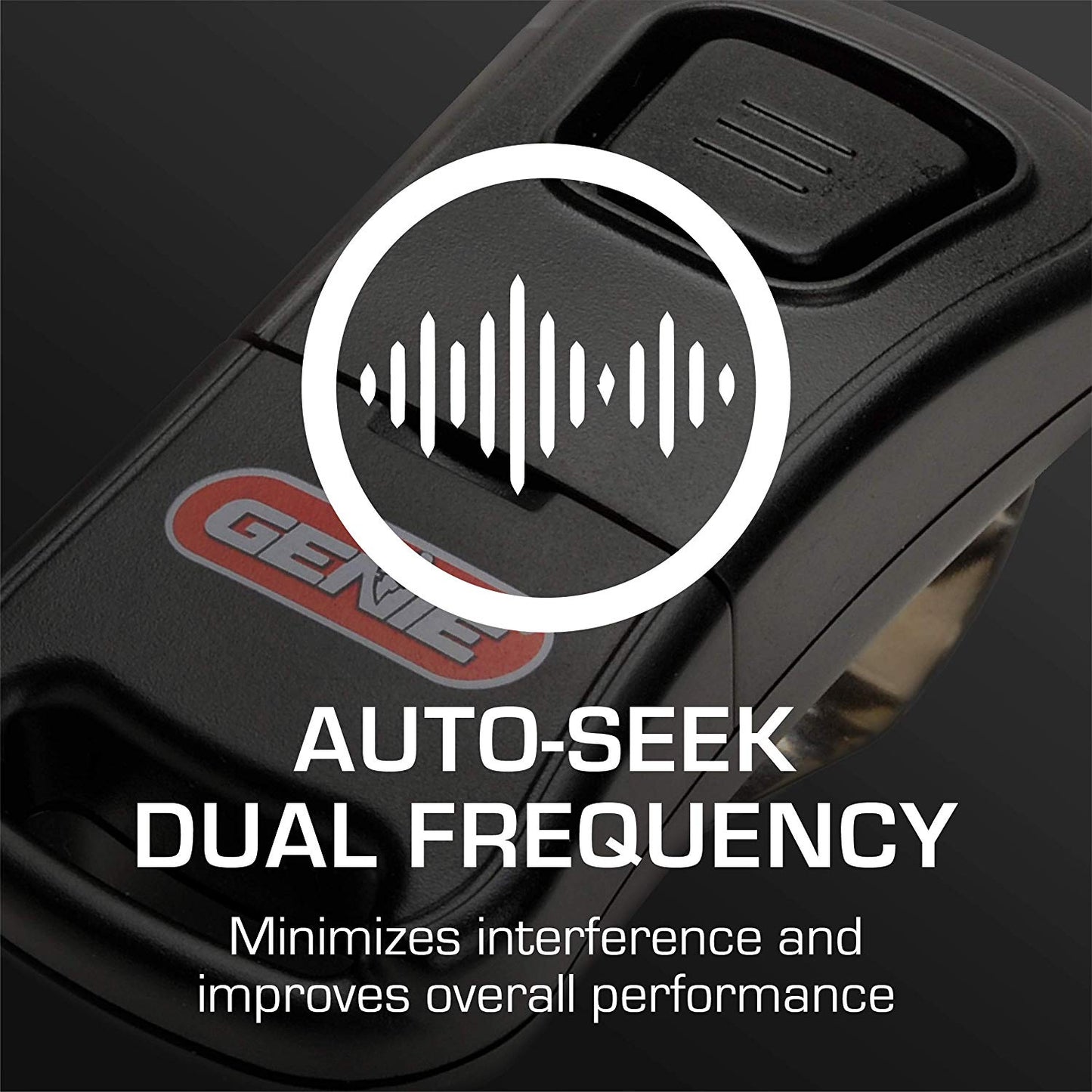
This bundle pack includes 2- Compact size Genie 1-Button remotes that are simple to program and easy-to-use. If you need to operate one garage door, these are the perfect remotes for you. These small garage door opener remotes feature Auto-Seek Dual Frequency which leads to less operation interference.
- Compatible with all Intellicode® equipped Genie openers
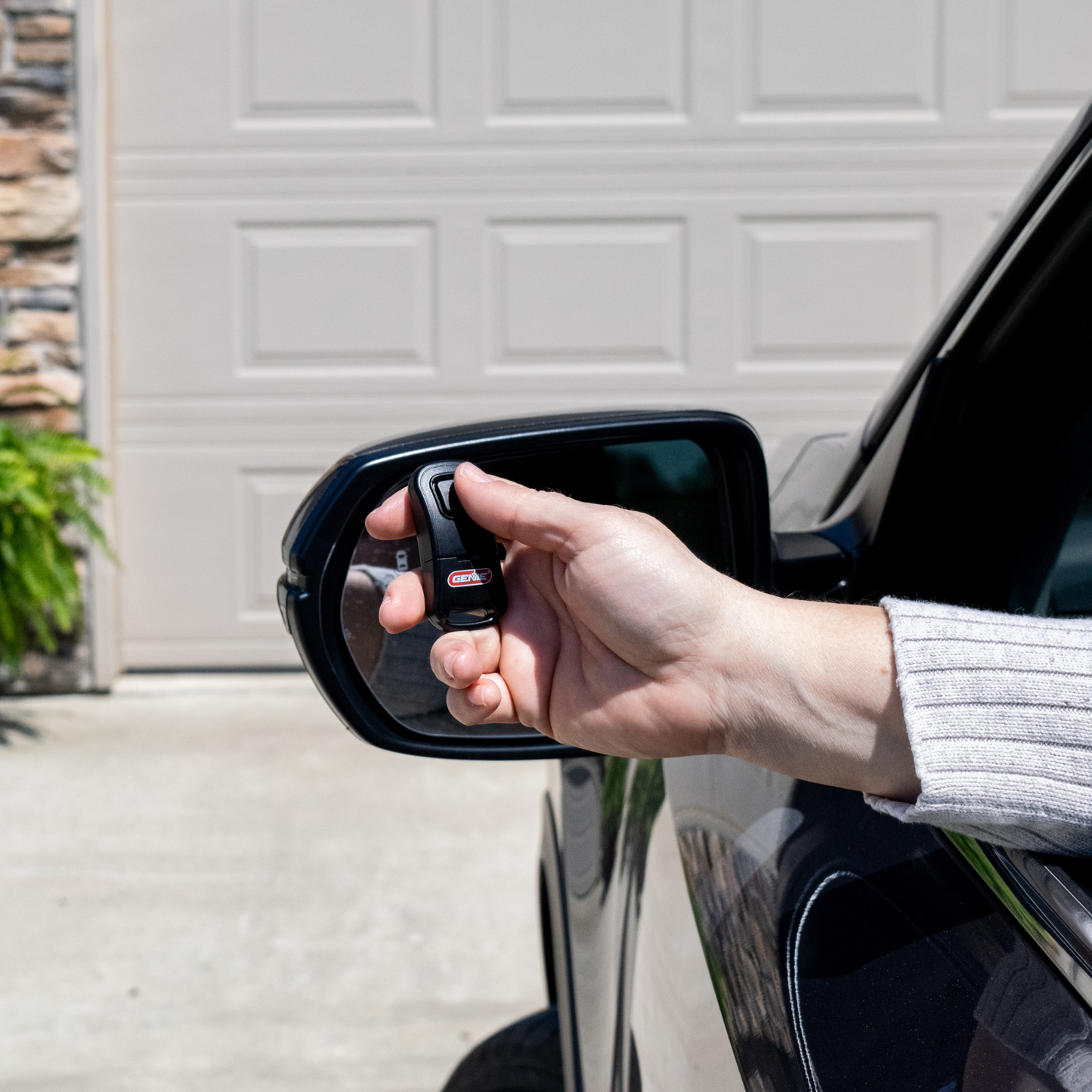
- Sleek compact design is perfect to add to a keychain or clip to your visor (Visor clip is included)
- Each G1T-BX remote uses one 3V (CR2032) battery that is also included
- Quick and easy DIY programming makes this a great replacement remote
- Dual Frequency (315/390 MHz) - will replace older remotes that only used the single 390 Mhz or the newer style that uses both the 315/390
- ⚠ California Residents: Proposition 65 WARNING
SKU: 39907R
UPC: 050049021375
In Stock! Usually ships within 24 hours.
ASK A QUESTION View full details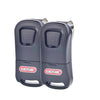




Genie Garage Door Opener Remote Programming Instructions- For a Genie One Button Remote - G1T-BX
Use these instructions if you are using this 1-Button garage door opener remote as a Genie replacement remote, or adding as an extra garage door opener remote to use with existing ones.
This 1-Button garage door opener remote comes from the factory designed to operate any Genie® Intellicode® type garage door opener.
A. For use with Learn Code Button equipped Openers (1995 to Present) —
- Remove the battery’s protective film by pulling it out the bottom of the remote.
- Locate the Learn Code Button and Learn Code Indicator LED on your opener’s powerhead Fig. 1A below (See your owner’s manual).
- Press and release the Learn Code Button—the Red Learn Code LED will blink rapidly.
- Press and release the G1T-BX Remote Button, —the Learn Code LED will stay on (stops blinking).
- Press and release the Remote Button again—the Learn Code LED will turn off.
- Press and release the Remote Button again—the Door Opener will run.
THE G1T-BX REMOTE IS NOW PROGRAMMED. Repeat as necessary for additional remotes.

B. For use with Program/Set Button equipped Openers (2010 to Present)—
- Remove the battery’s protective film by pulling it out the bottom of the remote.
- Locate the Program/Set Button and Programming Indicator LEDs on your opener’s powerhead Fig. 1B below (See your owner’s manual).
- Press the Program/Set button until the round LED will turn blue.
- Release the Program/Set button—the long LED will blink purple.
- Press and release the Remote Button, —the long LED will turn steady purple (stops blinking).
- Press and release the Remote Button again—both LEDs will blink blue and turn off.
- Press and release the remote button again—the Door Opener will run.
THE REMOTE IS NOW PROGRAMMED. Repeat as necessary for additional remotes.

-

Free Shipping
We offer FREE shipping and handling on all orders that total over $17.99 and are shipped to a US address. All orders are shipped using UPS ground, directly from The Genie Company.
-

Genuine Replacements
Buying GENUINE Genie accessories and parts guarantees that you are getting quality OEM materials backed by a Genie warranty.
-

Support
Need assistance? We are here for you! We offer a wide range of customer support options including contact by phone or email, web chat services with a live agent, and a robust support section also located on our website. All customer care teams and services are based in the USA.
