
The Genie Company
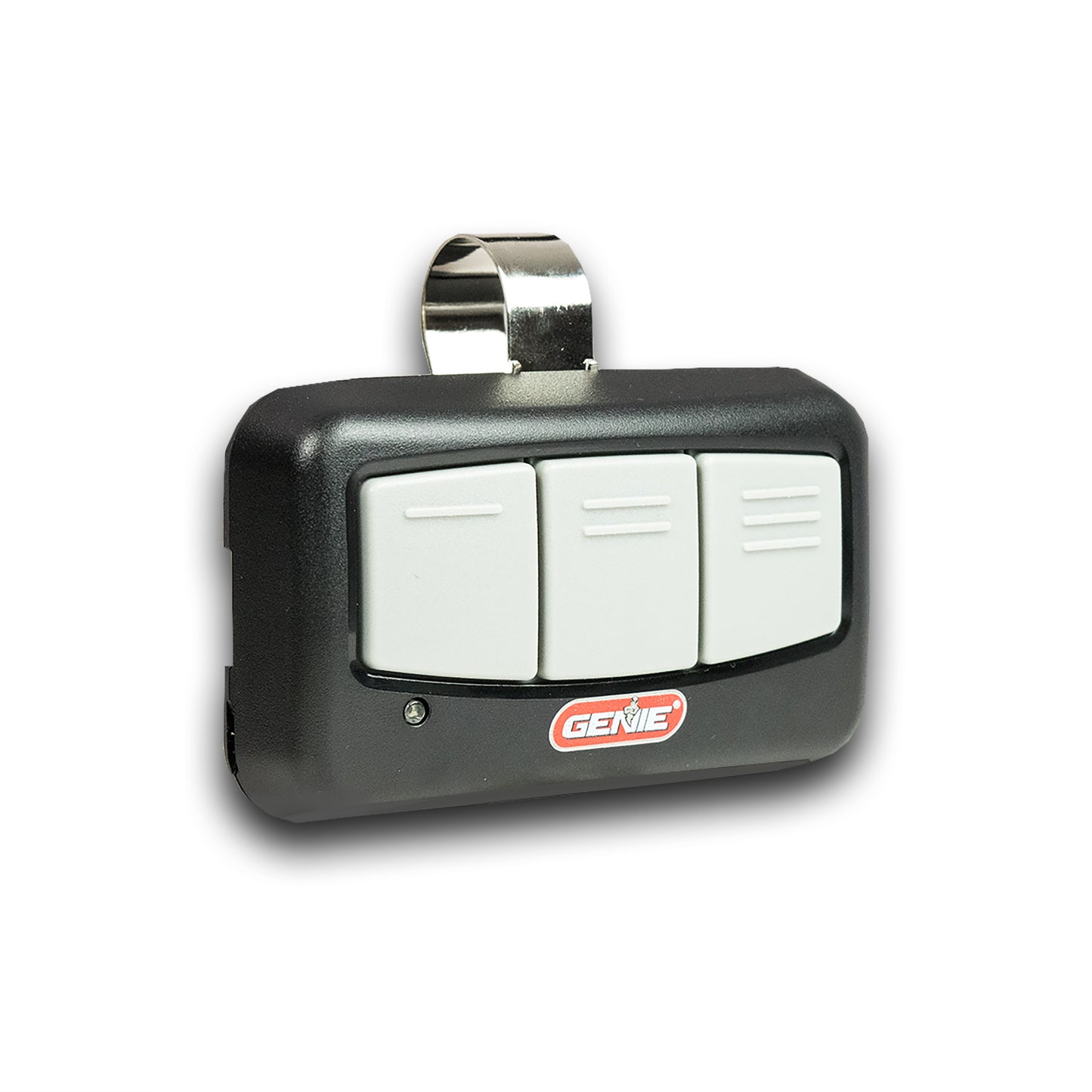
G3BT-R 3-Button Remote
G3BT-R 3-Button Remote
Couldn't load pickup availability
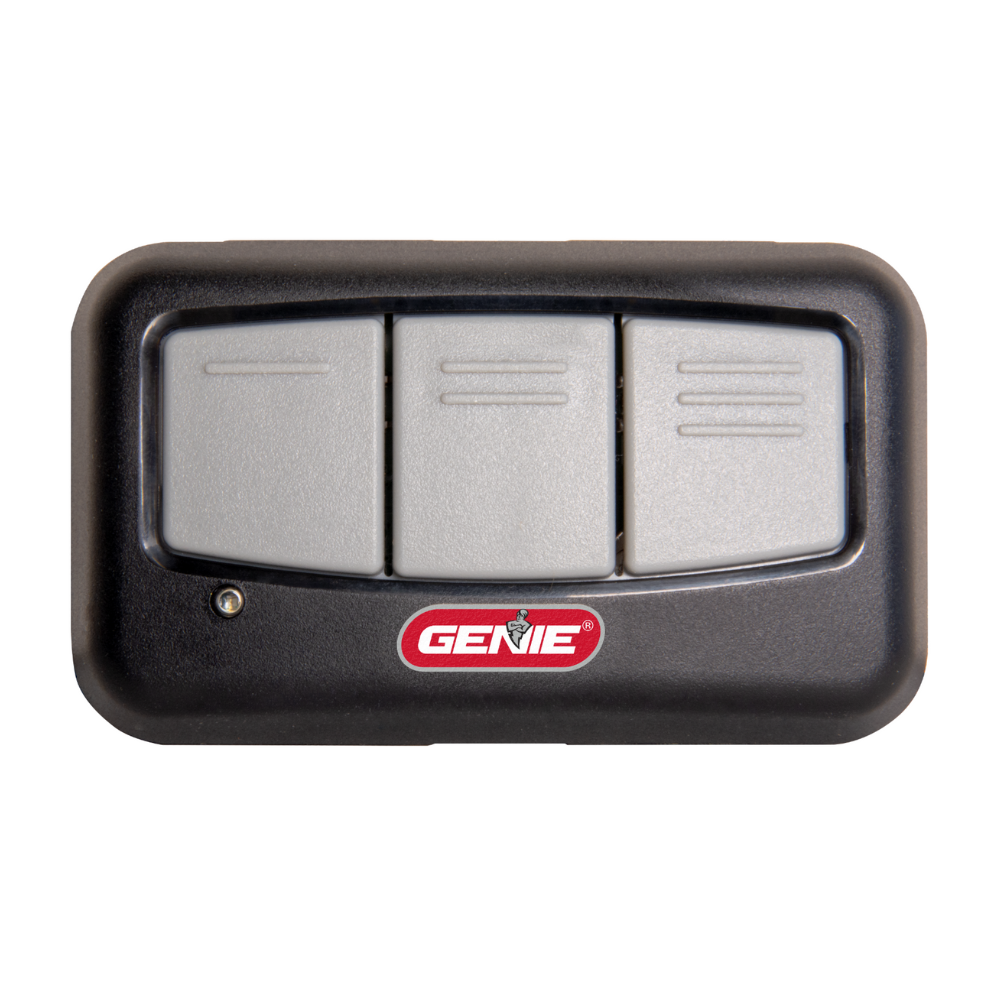
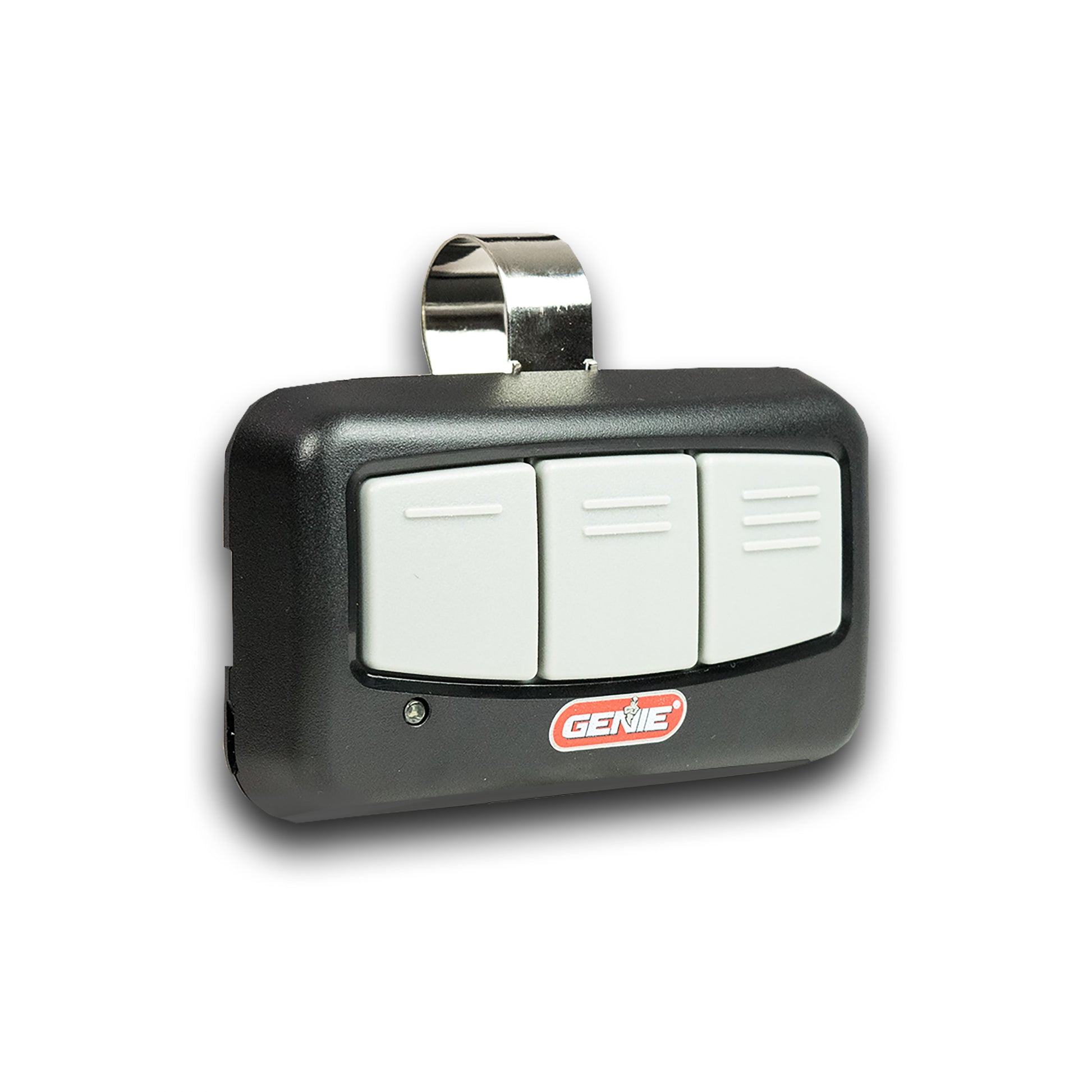
This new style Genie 3-Button Garage Door Opener Remote, is designed to make your life more convenient and secure. This sleek and modern remote is compatible with all Genie garage door openers manufactured since 1996, ensuring it works seamlessly with your existing setup. With the ability to control up to three Genie garage door openers, it's perfect for households with multiple garage doors. Plus, it features Genie’s Intellicode secure rolling code technology, which automatically changes the access code with each use, providing an extra layer of security to protect your home.
- Compatible with all Genie garage door openers made since 1996
- Large - easy to push buttons
- Controls up to 3 Genie garage door openers
- Features Intellicode secure rolling code technology to keep your garage secure
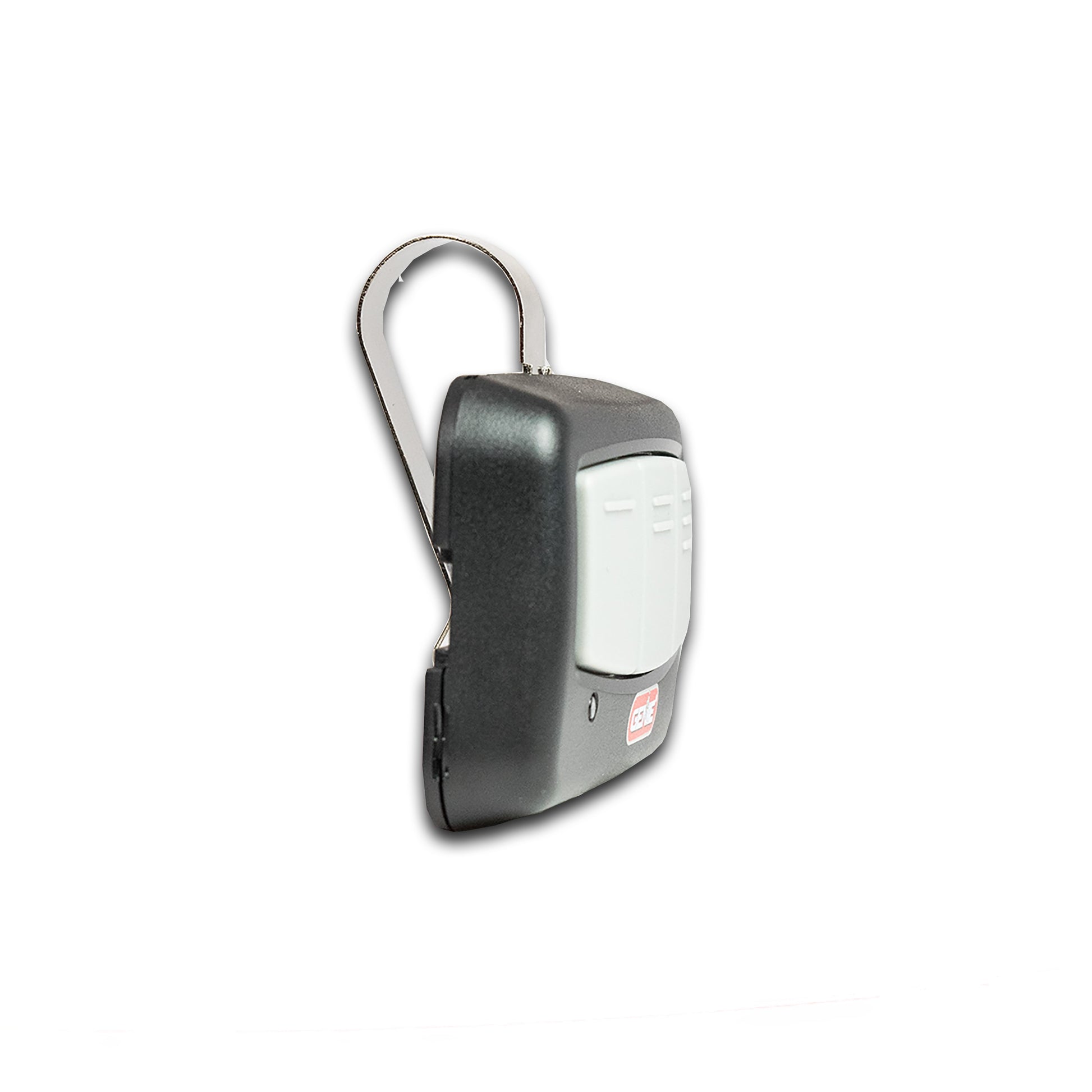
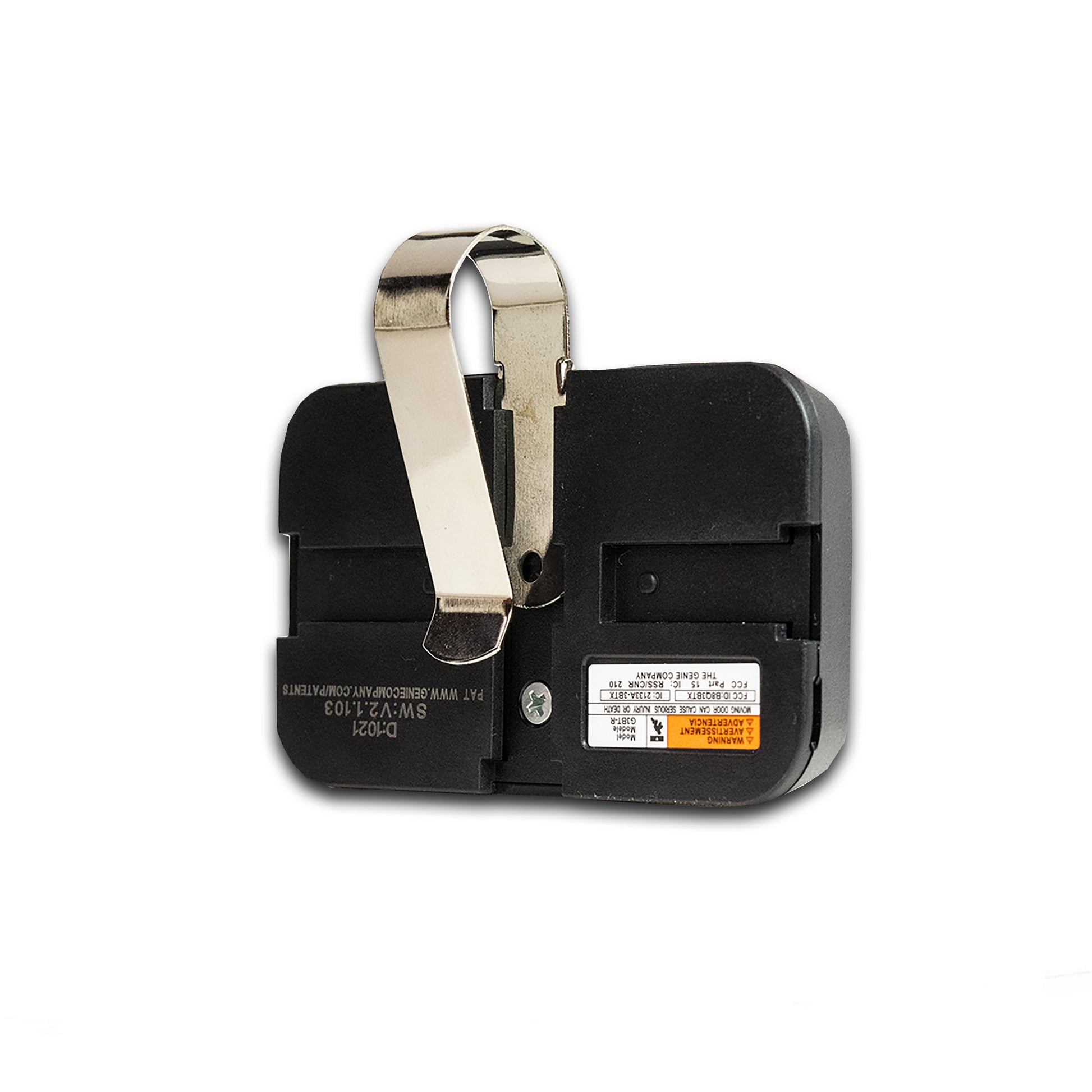
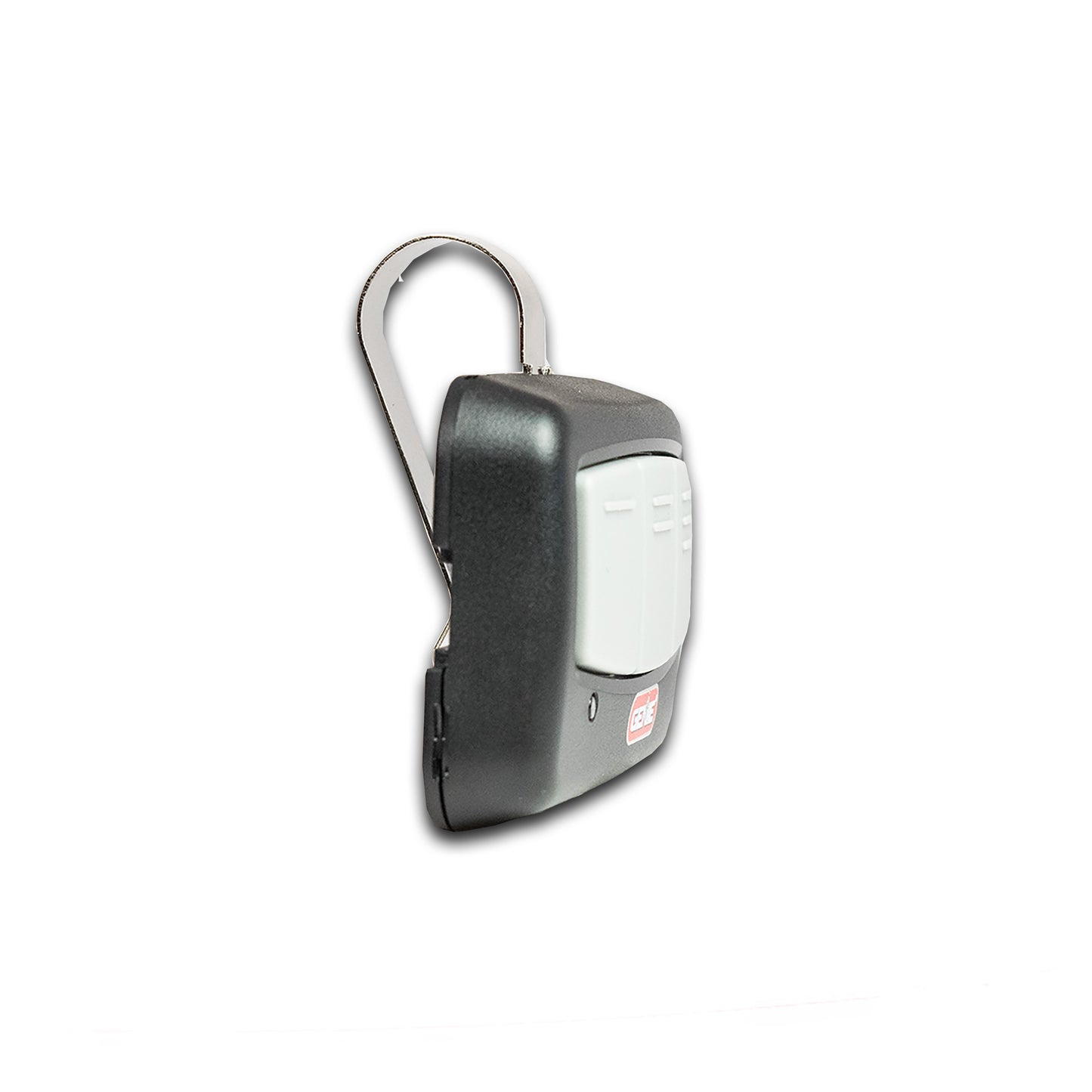
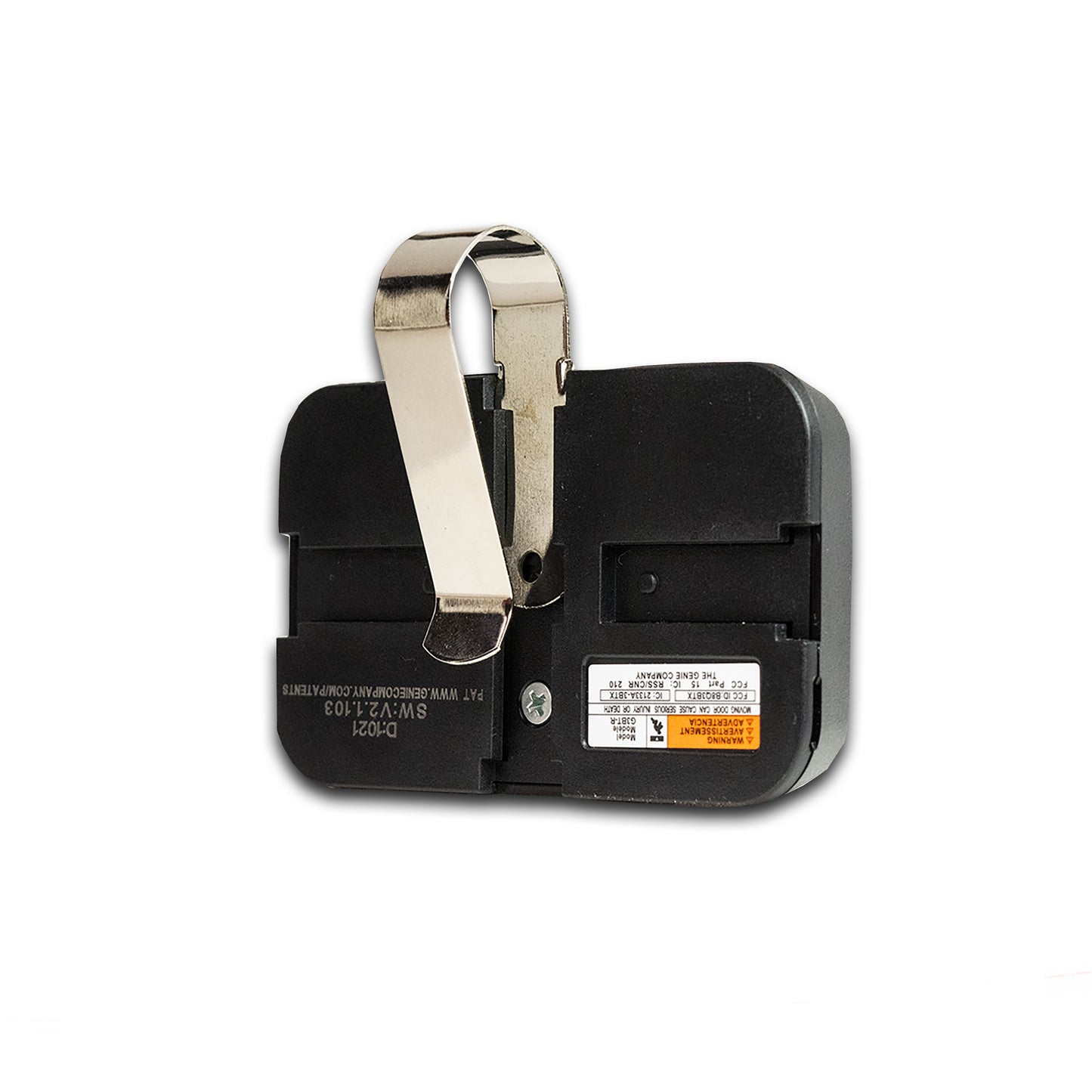
- Includes 1 remote, visor clip, and easy DIY programming instructions
- Uses a CR2032 battery (included)
- ⚠ California Residents: Proposition 65 WARNING
SKU: 41537T
UPC: 050049023072
In Stock! Usually ships within 24 hours.
ASK A QUESTION View full details
QUESTIONS & ANSWERS
Have a Question?
Be the first to ask a question about this.

- Remove and immediately recycle or dispose of used batteries according to local regulations and keep away from children. Do NOT dispose of batteries in household trash or incinerate.
- Even used batteries may cause severe injury or death.
- Call a local poison control center for treatment information. • Replace only with Type CR2032 3V batteries.
- Non-rechargeable batteries are not to be recharged.
- Do not force discharge, recharge, disassemble, heat above may result in injury due to venting, leakage or explosion resulting in chemical burns.
- Ensure the batteries are installed correctly according to polarity (+ and -).
- Do not mix old and new batteries, such as alkaline, carbon-zinc, or rechargeable batteries. Remove and immediately recycle or dispose of batteries from equipment not used for an extended period of time according to local regulations.
- Always completely secure the battery compartment. If the battery compartment does not close securely, stop using the product, remove the batteries, and keep them away from children.
SECTION 1: FOR HOMEOWNERS
RESIDENTIAL OPENERS: 1998 - CURRENT
- Remove the battery pull tab to activate the remote.
- Locate either a square PROGRAM/SET button (PRGM) or round LEARN CODE button on the opener (ceiling). The location could be anywhere on the cover or under a lens depending on the model.

- Put opener into programming mode - the openers programming window will time out after 30 seconds:- If you have a PRGM/SET button - press and hold down until the LED turns blue, then release. Purple LED begins - If you have a LEARN CODE button – press and hold down
- Holding the remote at least 5ft away from the opener, press and release the desired remote button once every 2 seconds until the opener operates.
NOTE: Have an opener from 1995-1997? See next block.

RESIDENTIAL OPENERS: CLEARING REMOTES
NOTE: These steps will clear ALL programmed remotes and keypads.
For openers with a PRGM/SET button (2011-CURRENT):
- Press and hold the PRGM/SET button until the round LED
- Press and hold down both the UP(+) and DOWN(-) buttons at the same time until both LEDs turn blue, then release.
- Press a button to verify the door does not move.
For openers with a LEARN CODE button (1995-2011):
- Press and hold the LEARN CODE button until the LED stops
- Press a button to verify the door does not move.
SECTION 2: FOR BUSINESSES
COMMERCIAL OPENERS
Reference Fig. 1 for Commercial Openers. Press SCROLL or CAL/RUN to exit at any time.

- Press CAL/RUN key to enter calibration mode.
- Press SCROLL (up/down) until display reads “LEARN NEW XM TR?”
- Press SET/CLEAR key to confirm your actions. Press the remote button of your
choice two times. - Press SCROLL or CAL/RUN to exit calibration mode.
COMMERCIAL OPENERS: CLEARING REMOTES
- Press CAL/RUN key to enter calibration mode.
- Press SCROLL (up/down) until display reads “REMOVE XMTR?” or “REMOVE ALL XMTRS?” depending on which action you wish to take.
NOTE: Press SCROLL or CAL/RUN to exit. - Press SET/CLEAR key to confirm your actions.
- Press SCROLL or CAL/RUN to exit calibration mode.
- Press a button to verify the door does not move.
ALL USERS: BATTERY REPLACEMENT
Open case as shown, remove and replace CR2032 coin cell
battery.

This device complies with part 15 of the FCC Rules and Industry Canada’s
license-exempt RSSs. Operation is subject to the following two conditions: (1)
This device may not cause harmful interference, and (2) this device must accept
any interference received, including interference that may cause undesired operation. Any changes or modifications not expressly approved by the party responsible for compliance could void the user’s authority to operate this
equipment.
Le présent appareil est conforme aux CNR d’Industrie Canada applicables
aux appareils radio exempts de licence. L’exploitation est autorisée aux deux
conditions suivantes: 1) l’appareil ne doit pas produire de brouillage; 2)
l’utilisateur de l’appareil doit accepter tout brouillage radioélectrique subi,
même si le brouillage est susceptible d’en compromettre le fonctionnement.
-

Free Shipping
We offer FREE shipping and handling on all orders that total over $17.99 and are shipped to a US address. All orders are shipped using UPS ground, directly from The Genie Company.
-

Genuine Replacements
Buying GENUINE Genie accessories and parts guarantees that you are getting quality OEM materials backed by a Genie warranty.
-

Support
Need assistance? We are here for you! We offer a wide range of customer support options including contact by phone or email, web chat services with a live agent, and a robust support section also located on our website. All customer care teams and services are based in the USA.
