




The Genie Company
Aladdin Connect® Smartphone Enabled Garage Door Controller (Single Door Kit)
Aladdin Connect® Smartphone Enabled Garage Door Controller (Single Door Kit)
Couldn't load pickup availability
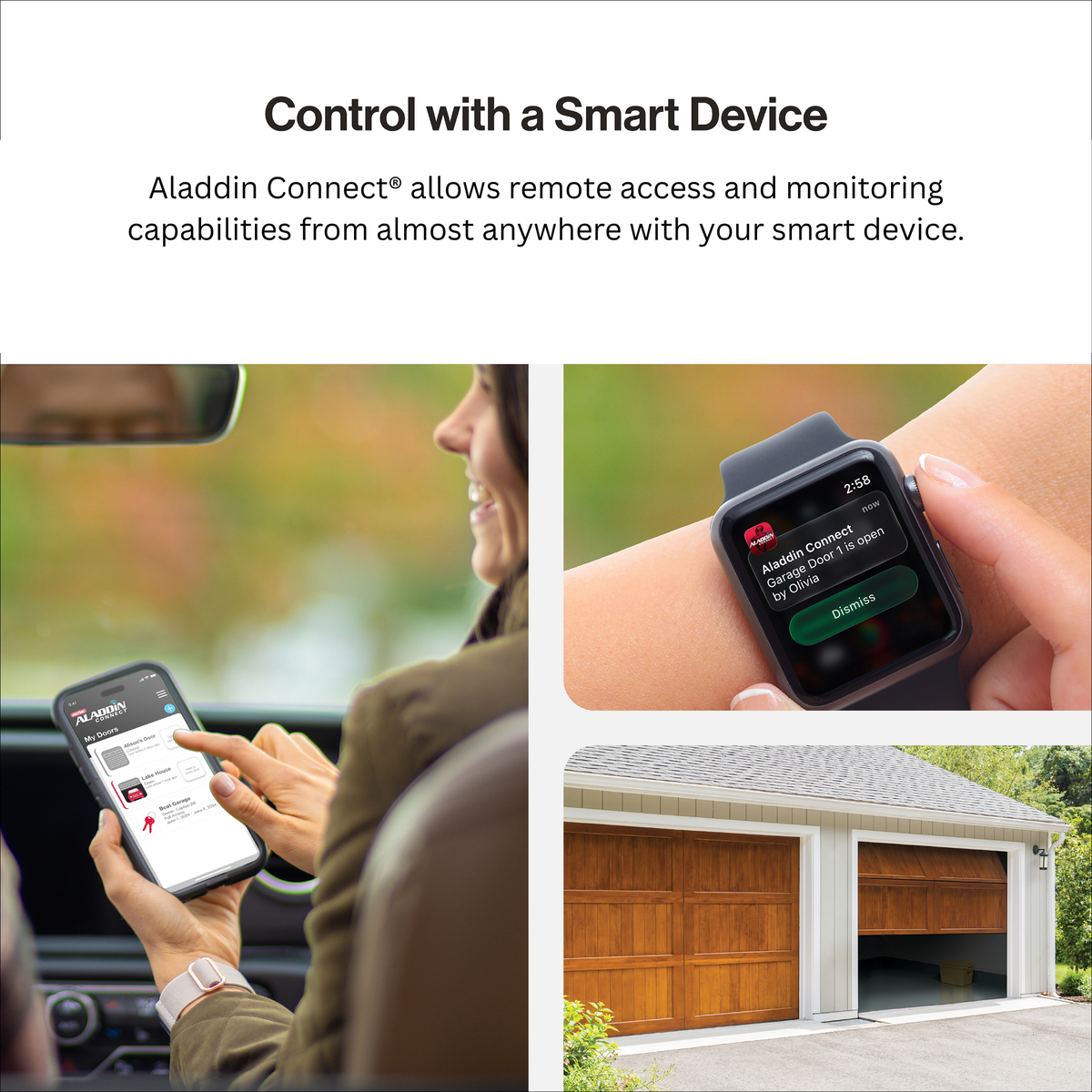
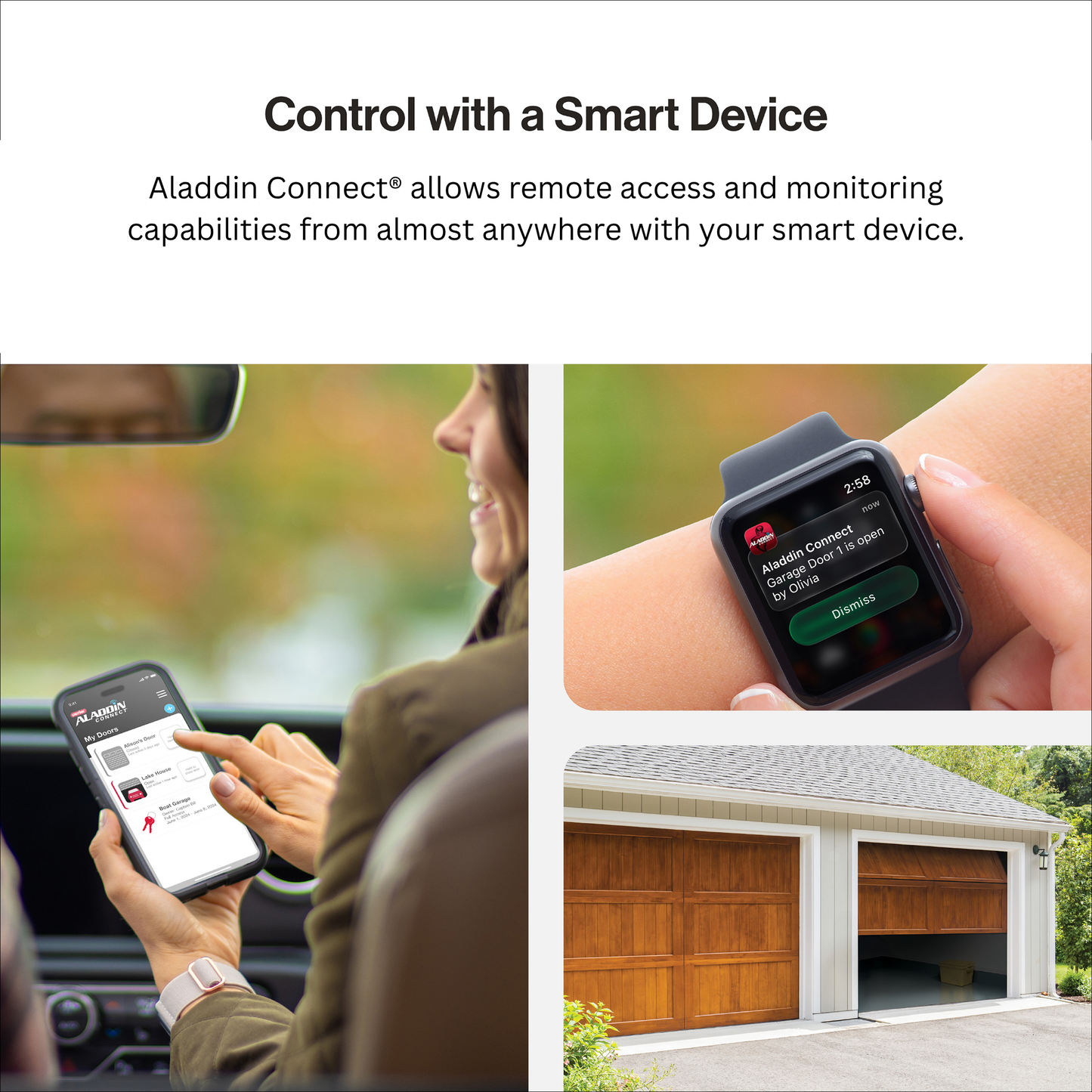
Take the guesswork out of your day with the Genie Aladdin Connect®, a smart garage door controller designed to give homeowners real-time control, visibility, and peace of mind, no matter where they are.
Whether you’re heading out for work, traveling, or just can’t remember if the garage is closed, this system lets you check, open, or close your garage door instantly from your smartphone using your home’s Wi‑Fi connection.
Why Homeowners Choose Aladdin Connect®
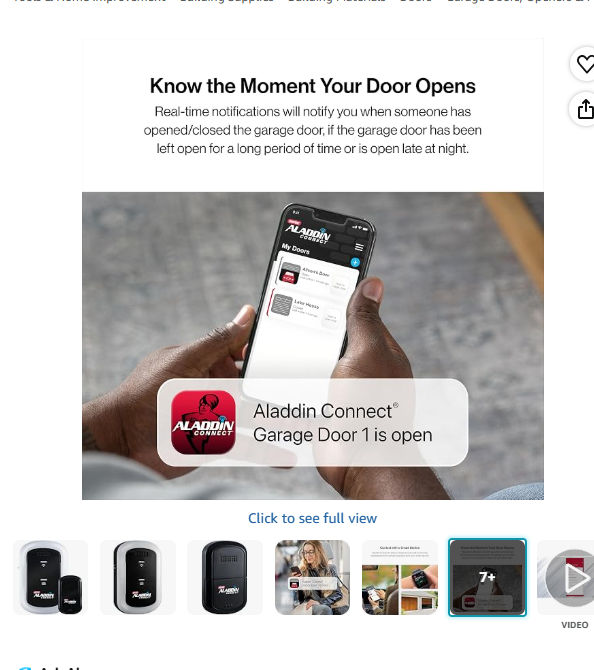
Never Wonder if Your Garage Is Open Again
Instantly check your door status and control it remotely from anywhere.
Hands-Free Smart Home Integration
Works with Amazon Alexa and Google Assistant, so you can operate your garage with simple voice commands.
Secure Access for Family & Service Providers
Easily assign Virtual Keys through the app, give temporary or ongoing access to family, deliveries, or service professionals, with full control over timing.
Smart Scheduling That Fits Your Routine
- Automatically close your garage at a set time each night
- Create custom rules based on your daily habits
- Add an extra layer of security without thinking twice
Simple DIY Installation
Designed for homeowners—no professional installation required. Get set up in minutes using the free mobile app.
Download the free Aladdin Connect app for iPhone and Android


- NOTE: This kit is designed to upgrade one garage door opener. The Door Position Sensor (ALDPS-R) is not compatible with this model.
- The Aladdin Connect app is free to use, with no additional fees or monthly charges!
- Aladdin Connect is compatible with the most popular smart home platforms like Amazon Alexa, Google Assistant, Samsung SmartThings, Alarm.com, Clare Controls, Brilliant Smart Home Systems, Control4, and Yonomi.
- With the Aladdin Connect smart home skill for Amazon Alexa, customers can now use their voice to control Aladdin Connect garage opener by speaking commands directly to Alexa. For example, instead of saying “Alexa, ask Aladdin Connect to open my garage, customers may now just ask “Alexa, open my garage door”.
- Model: ALKT2-R
- New updated design with wireless installation.
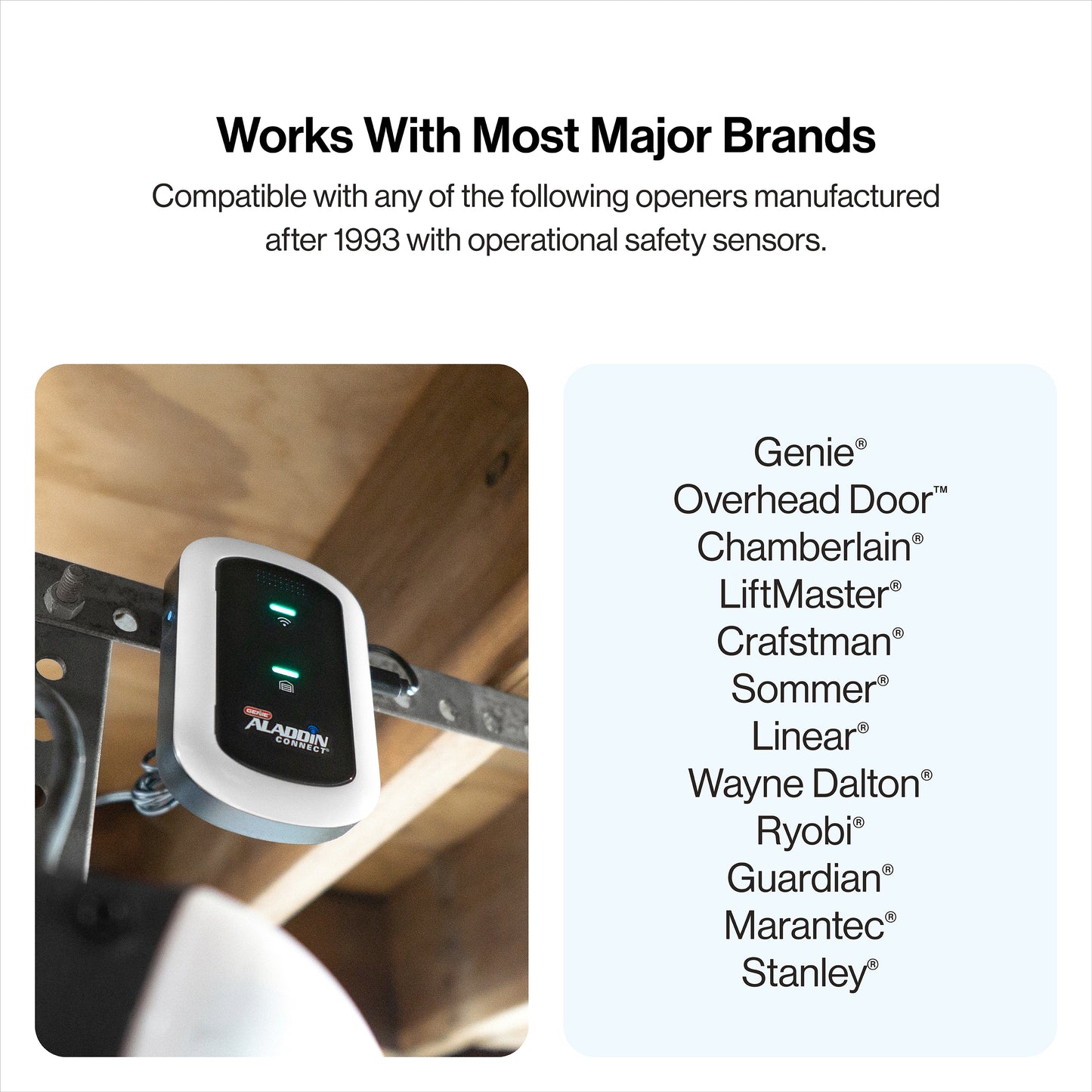
- Compatible with most residential garage door openers made after 1993 that include safety sensors.
Genie has paired with these Smart Home Connected partners to give Aladdin Connect more capabilities:
Read more about some of our Genie Smart Home Partners:
SmartThings | Amazon Key | Clare Controls | Alarm.com | Google Home | Brilliant | Control4 | Works with Alexa | Google Assistant | URC | Bench Sentry | Jervis Systems | RTI Controls
UPC: 050049050436
SKU: 42869R
In Stock! Usually ships within 24 hours.
ASK A QUESTION View full details





QUESTIONS & ANSWERS
Have a Question?
Be the first to ask a question about this.

- You will need a ladder, a #2 Phillips head screwdriver, a 3/32 drill bit, and drill.
- A light will flash, and a beep will sound as indication that the door is about to move when commanded by the Aladdin Connect or compatible app(s).
- These instructions will show the physical installation of the retrofit kit pieces only. All other instructions are defined in the app.

MOUNT & POWER DOOR CONTROL HUB
- Locate the Door Control Hub with its mounting bracket and hardware. Select an installation location that meets the following listed criteria:
- Can be seen and heard from anywhere inside the garage.
- Should be less than 30ft from the garage door opener.
Should be within 5ft of standard 110v AC power outlet. - Should have at least two bars of Wi-Fi signal when a smartphone is placed in the proposed position. If there are not at least two bars in the desired location, try these steps to improve Wi-Fi signal strength:
- Make sure that the Wi-Fi router is out in the open (not concealed).
- Move the Wi-Fi router closer to the garage.
- Purchase a Wi-Fi extender, available at most electronics stores.
Locations could be above the opener secured to drywall, fastened to the perforated angle that holds the opener, near the wall console or any other location that meets the above criteria.

2. Install the Door Control Hub:
- If mounting to drywall, use the mounting bracket as a template to mark and drill 2-3/32” pilot holes. Use provided anchors as needed (FIG A).
- If mounting to perforated angle at opener location, use nuts, washers and screws provided (FIG B).
3. Slide the Door Control Hub onto its mounting bracket so it snaps into place (FIG C).
4. Plug in the USB-C to the Hub and power cord to the outlet. The Wi-Fi LED on the Hub should light up when powered on (FIG C).
5. Affix the unattended warning placard next to wall control in plain sight to signify that the door can operate remotely. Tacks or staples (not supplied) should be used if the placard does not adhere to the mounting surface (FIG C).


READ AND FOLLOW ALL INSTALLATION INSTRUCTIONS
To reduce the risk of severe injury or death to persons:
- DO NOT install this product on garage door openers made prior to 1993 without safety sensors.
- DO NOT install this product on one piece doors.
Install hub in a location where it can be seen and heard while standing in the door opening with the door in the open position. - This operating system is designed for unattended operation. The door could move unexpectedly.

- Remove and immediately recycle or dispose of used batteries according to local regulations and keep away from children.
Do NOT dispose of batteries in household trash or incinerate. - Even used batteries may cause severe injury or death.
- Call a local poison control center for treatment information.
- Replace only with Type CR2450 3V batteries.
- Non-rechargeable batteries are not to be recharged.
- Do not force discharge, recharge, disassemble, heat above (manufacturer’s specified temperature rating) or incinerate. Doing so may result in injury due to venting, leakage or explosion resulting in chemical burns.
- Ensure the batteries are installed correctly according to polarity (+ and -).
- Do not mix old and new batteries, different brands or types of batteries, such as alkaline, carbon-zinc, or rechargeable batteries.
- Remove and immediately recycle or dispose of batteries from equipment not used for an extended period of time according to local regulations.
- Always completely secure the battery compartment. If the battery compartment does not close securely, stop using the product, remove the batteries, and keep them away from children.
MOUNT & POWER DOOR POSITION SENSOR
Locate the Door Position Sensor with its mounting bracket and hardware.
You will need a ladder to access the top section of your garage door. DO NOT remove the battery pull tab until directed by the app.
- Standing inside the garage looking out, find the end stile on the far left or right of the TOP PANEL OF THE GARAGE DOOR (FIG G), directly under the top hinge.
NOTE: DO NOT mount to unreinforced door panel. - Vertically and horizontally center the mounting bracket between the top roller bracket and first hinge.
- Use the mounting bracket as a template to mark and pre-drill (2) 3/32 holes and use the included self-tapping screws to mount the bracket to top door panel end stile (FIG H).
NOTE: DO NOT drill all the way through door. - Slide Door Position Sensor down onto mounting bracket until it snaps into place (FIG I).
- Use the app to continue Wi-Fi setup and complete installation.

FCC/IC Statement:
This equipment contains licence-exempt transmitter(s)/receiver(s) that comply with Part 15 of the FCC Rules, ICES-003 Class B specifications, and ISED Canada’s licence-exempt RSS(s). Operation is subject to the following two conditions: (1) this device may not cause harmful interference, and (2) this device must accept any interference received, including interference that may cause undesired operation. Changes or modifications not expressly approved by the party responsible for compliance could void the user’s authority to operate the equipment. This equipment also complies with FCC and ISED RSS-102 RF exposure limits for an uncontrolled environment. It must not be co-located or operated in conjunction with any other antenna or transmitter. To ensure compliance, a minimum separation distance of 20 cm (7.9 inches) must be maintained between the antenna and the user’s body during normal operation. Users must follow the specific operating instructions to maintain RF exposure compliance.
Compatibility
What types of garage doors and openers are compatible with the retrofit kit?
The Aladdin Connect WiFi retrofit kit works only with specific types of garage doors.

Notes:
1. Series II openers are best identified by the wall console button(s) that are not black. This covers most Overhead Door openers, including all the currently sold models.
2. Series III openers are best identified by the wall console button(s) that are black. If you have one of these units, you need a dry contact control adapter, part # 38013R, which are available at store.geniecompany.com.


YOUR GARAGE JUST GOT SMARTER
-
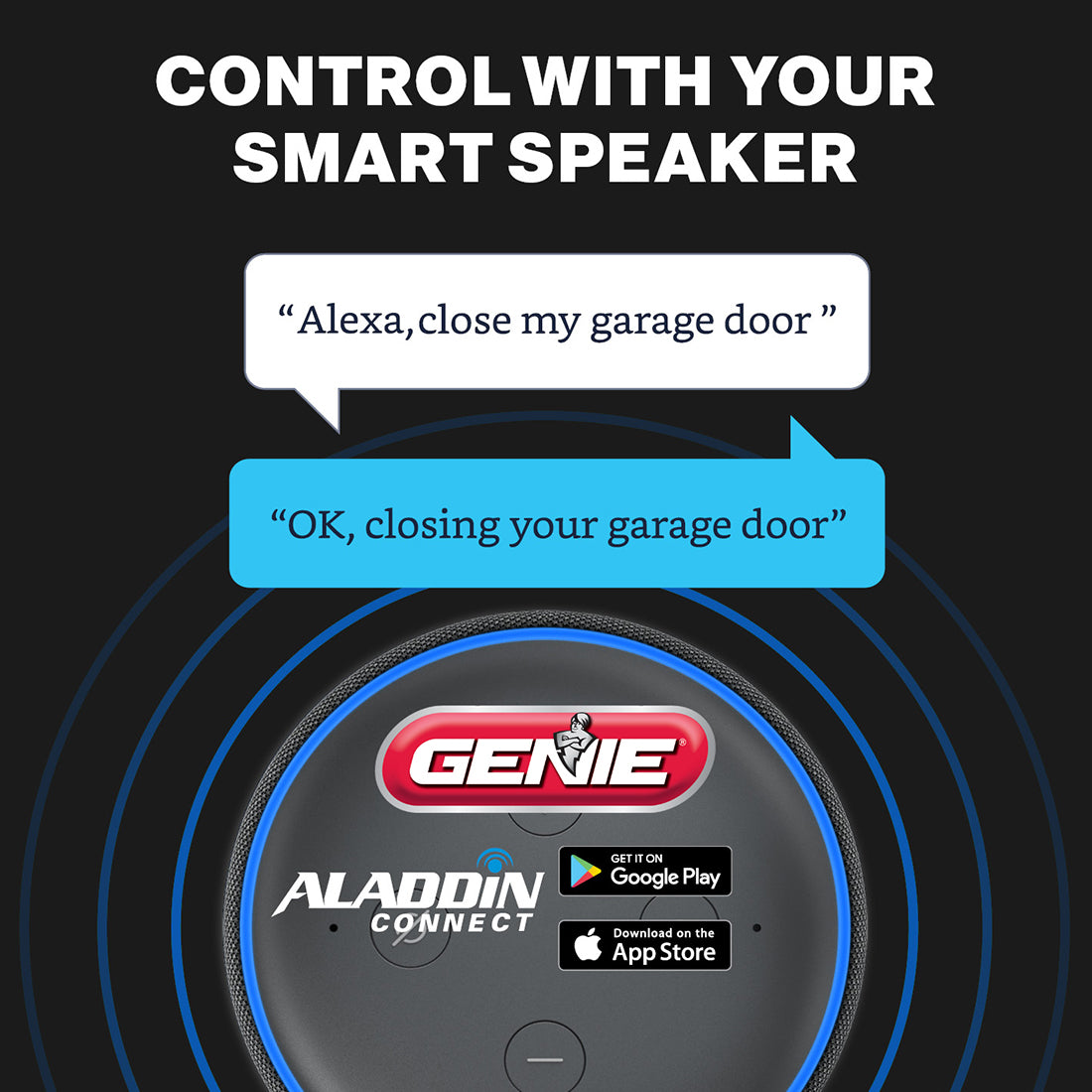
Compatible with voice control & smart home apps
Aladdin Connect Smartphone enabled garage door controller works with Alexa, Google Assistant and more, so you can have the garage door open and close with your voice.
Also now compatible with Yonomi (exclusively), Control4, Orro, Jervis, and Brilliant so you can link multiple smart devices together for an entire smart home! -
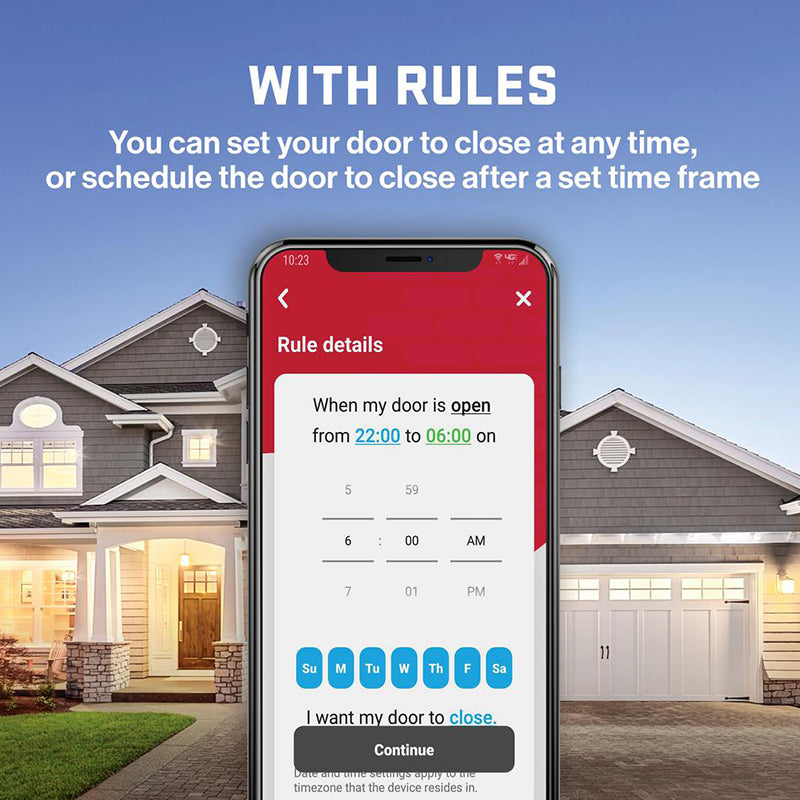
Virtual keys and smart routines
Genie' Aladdin Connect® has extensive time-based, programmable rules and notifications allow access in the moment or scheduled access through Virtual Keys. Up to 20 individual virtual keys to be setup.
Through the app you know if an authorized user is operating the garage door, plus it maintains an access history report for each opener. -

Peace of mind
Is my garage door open? Aladdin Connect® will make sure you never have to worry about this question again, you will always know. The app can be downloaded to your smart phone and works with many smart accessories.
Put the control into the palm of your hand and have the ability to monitor, open and close your garage door with your smartphone or smart device from anywhere.

Shop More Smart Home Products
-
Aladdin Connect® Smartphone Enabled Garage Door Controller (Single Door Kit)
Regular price $49.99 USDRegular priceUnit price per -
View Details

4142-TC SilentMax 1250 Connect Ultra-Quiet Smart Garage Door Opener
Regular price $249.99 USDRegular priceUnit price per$299.99 USDSale price $249.99 USDSale -
View Details
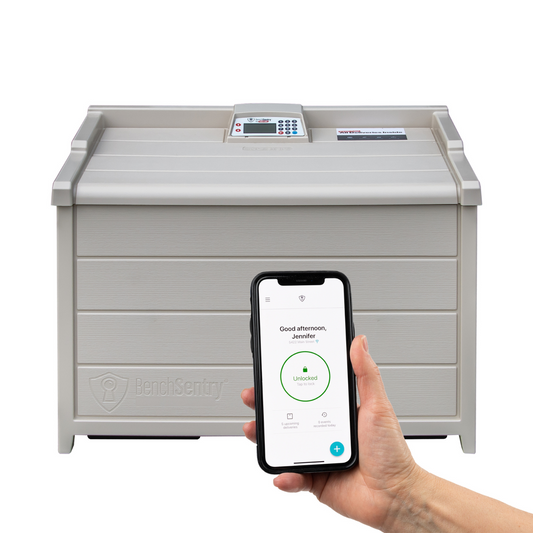
BenchSentry Connect - Secure Package Delivery Porch Box
Regular price $250.00 USDRegular priceUnit price per$359.00 USDSale price $250.00 USDSale -
View Details
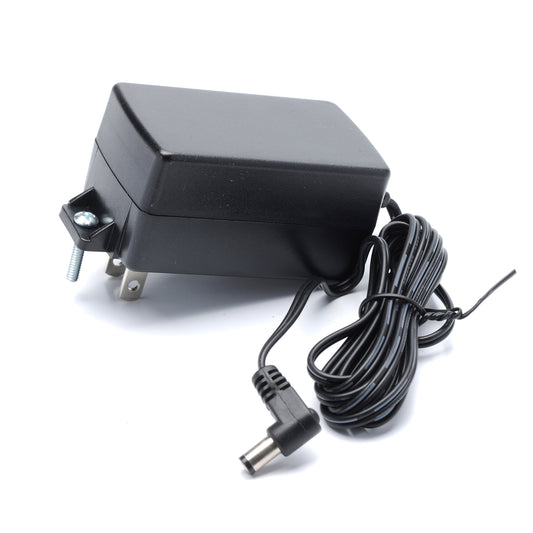
12 Volt Power Plug - for Aladdin Connect
Regular price $24.99 USDRegular priceUnit price per


